Create WP Websites in hours, not days
Explore 650+ designed components and template kits


Featured image Ditch Plugins: Build Elementor Sites Faster with CopyElement Are you tired of bloated WordPress sites weighed down by dozens of plugins...
Ditch Plugins: Build Elementor Sites Faster with CopyElement
Are you tired of bloated WordPress sites weighed down by dozens of plugins? Do you dream of lightning-fast page load speeds without sacrificing stunning design and functionality in Elementor? If so, you’re in the right place. We’re going to explore how you can dramatically speed up your Elementor workflow and create blazing-fast websites by ditching unnecessary plugins and embracing a plugin-free approach with CopyElement.
For years, the WordPress ecosystem has relied heavily on plugins to extend functionality. Need a contact form? Install a plugin. Want social sharing buttons? Another plugin. But each plugin adds code, scripts, and styles to your site, increasing its size and complexity. This leads to slower loading times, conflicts between plugins, and a frustrating development experience.
But there’s a better way. It’s time to embrace a leaner, more efficient approach to building Elementor websites.
Why Less is More
Before diving into the solution, let’s understand why a plugin-heavy approach is detrimental to your website’s performance and overall health.
The Silent Killer of Website Speed
Each plugin you install adds extra code to your website. Some plugins are well-coded and optimized, but many are not. Poorly written plugins can introduce performance bottlenecks, database queries, and unnecessary JavaScript execution. The cumulative effect of multiple plugins can significantly slow down your site, leading to:
A Developer’s Nightmare
Plugins are often developed by different authors with varying coding standards. This can lead to conflicts between plugins, causing unexpected errors, broken functionality, and a frustrating debugging experience. Resolving plugin conflicts can be time-consuming and require technical expertise.
A Hacker’s Paradise
Outdated or poorly maintained plugins can introduce security vulnerabilities to your website, making it susceptible to hacking and malware infections. Regularly updating plugins is crucial, but even then, there’s always a risk.
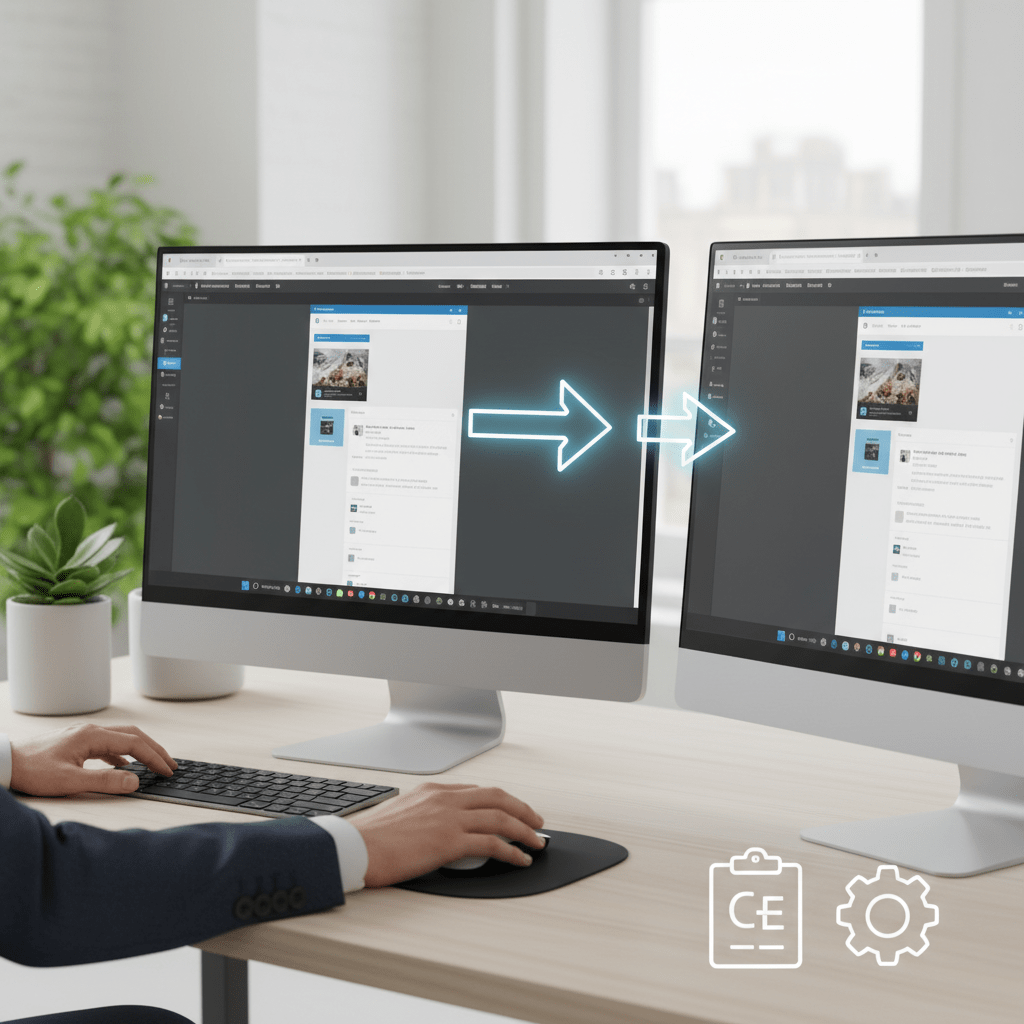
The Plugin-Free Solution for Elementor CopyElement is a cloud-based library of pre-designed Elementor sections and components. Instead of relying on plugins for every feature, you can simply copy and paste professionally designed elements directly into your Elementor pages. This eliminates the need for many plugins, resulting in a faster, cleaner, and more secure website. With CopyElement, building Elementor sites faster is not just a possibility – it’s the standard. How CopyElement Works: A Simple Workflow Browse the CopyElement library: Explore thousands of pre-designed sections and components, categorized by industry, style, and functionality. Copy the code: Select the element you want to use and copy the provided HTML code. Paste into Elementor: In Elementor, add an HTML element and paste the code. Customize to your brand: Modify the text, images, and colors to match your brand and style. That’s it! No plugins to install, no configurations to worry about. Just copy, paste, and customize. The Benefits of Using CopyElement
Switching to a plugin-free approach with CopyElement offers numerous advantages:
loading speed This translates to a better user experience, lower bounce rates, and higher search engine rankings. Enhanced Security
Fewer plugins mean fewer potential security vulnerabilities. This reduces the risk of hacking and malware infections, protecting your website and your visitors’ data.
Managing a website with fewer plugins is much easier. You’ll spend less time updating plugins, resolving conflicts, and troubleshooting errors.
CopyElement allows you to quickly assemble professionally designed pages and sections without having to build everything from scratch. This speeds up your development workflow and allows you to focus on more important tasks, like content creation and marketing.
Many premium plugins come with recurring subscription fees. By using CopyElement, you can avoid these costs and save money in the long run.
You might be wondering if a plugin-free approach can truly handle all your website needs. The answer is a resounding yes! Here are just a few examples of what you can build with CopyElement, all without installing a single plugin:
Create captivating hero sections that grab your visitors’ attention and communicate your brand message effectively. CopyElement offers a wide variety of hero sections with different layouts, designs, and animations.
Present your content in a visually appealing and engaging way with CopyElement’s pre-designed content blocks. Choose from a variety of layouts, including text and image combinations, call-to-action buttons, and more.
While you might be tempted to reach for a contact form plugin, CopyElement provides pre-built, customizable forms that you can easily integrate into your pages. These forms can be connected to your email marketing service for lead generation.
Showcase your work with stunning galleries and portfolios. CopyElement offers various gallery layouts, including grids, sliders, and masonry designs.
Build trust and credibility with compelling testimonial sections. CopyElement offers different testimonial layouts with customizable text, images, and star ratings.
Present your pricing plans clearly and effectively with modern pricing tables. CopyElement offers a variety of pricing table designs with customizable features and call-to-action buttons.
Introduce your team members with stylish team sections. CopyElement offers different layouts for showcasing your team members’ photos, bios, and social media links.
Create informative and user-friendly footers with CopyElement’s pre-designed footer sections. Include important links, contact information, social media icons, and more.
A Comparison
Let’s take a closer look at the key differences between using CopyElement and relying on plugins for building Elementor websites.
| Feature | CopyElement | Traditional Plugin Approach |
|---|---|---|
| Performance | Fast loading times, minimal code bloat | Slower loading times, potential code bloat |
| Security | Reduced security vulnerabilities | Increased security vulnerabilities |
| Maintenance | Simplified maintenance, fewer updates | Complex maintenance, frequent updates |
| Development Speed | Faster development workflow | Slower development workflow |
| Cost | Potentially lower cost | Potentially higher cost (premium plugins) |
| Customization | Highly customizable within Elementor | Customization depends on plugin options |
| Conflicts | No plugin conflicts | Potential plugin conflicts |
Here are a few tips to maximize the benefits of using CopyElement and create lightning-fast Elementor websites:
Large, unoptimized images are a major cause of slow loading times. Before uploading images to your website, compress them using a tool like TinyPNG or ImageOptim. Also, use appropriate image dimensions for your website layout.
Browser caching allows visitors’ browsers to store static assets like images, CSS files, and JavaScript files locally. This means that subsequent page loads will be much faster. You can enable browser caching using a plugin like W3 Total Cache or WP Super Cache, or by adding code to your .htaccess file.
A CDN distributes your website’s content across multiple servers around the world. This ensures that visitors from different geographic locations can access your website quickly. Popular CDN providers include Cloudflare, MaxCDN, and Amazon CloudFront.
Minifying CSS and JavaScript files removes unnecessary characters and whitespace, reducing the file size and improving loading times. You can use a plugin like Autoptimize or WP Rocket to minify your CSS and JavaScript files.
Your hosting provider plays a crucial role in your website’s performance. Choose a hosting provider that offers fast servers, optimized caching, and excellent support. Consider using managed WordPress hosting for optimal performance.
Keeping WordPress and your themes up to date is essential for security and performance. Updates often include bug fixes, security patches, and performance improvements.
You might also find the Elementor Design Library a great resource as you continue to build out your site.
CopyElement in Action
Many Elementor users have already experienced the benefits of switching to a plugin-free approach with CopyElement. Here are a few real-world examples:
Small Business Website
A local bakery used to rely on a dozen plugins for various features on their website, including a contact form, a gallery, and social sharing buttons. After switching to CopyElement, they were able to eliminate most of these plugins, resulting in a 50% reduction in page load time and a significant improvement in their Google PageSpeed Insights score.
Freelancer Portfolio
A freelance web designer was struggling with plugin conflicts and slow loading times on their portfolio website. By using CopyElement, they were able to build a beautiful and functional portfolio without relying on plugins, resulting in a cleaner codebase and a much faster website.
E-commerce Store
An online store owner was concerned about the impact of plugins on their website’s performance. By using CopyElement for certain sections of their website, such as the homepage and landing pages, they were able to improve loading times and increase conversions.
You might have some questions or concerns about using CopyElement. Let’s address some of the most common ones.
Yes, CopyElement is compatible with all Elementor themes. The pre-designed sections and components are designed to work seamlessly with Elementor’s drag-and-drop interface.
Absolutely! All the pre-designed sections and components are fully customizable within Elementor. You can change the text, images, colors, fonts, and layouts to match your brand and style.
Yes, CopyElement offers excellent support. If you have any questions or issues, you can contact the support team for assistance.
The CopyElement library is regularly updated with new sections and components, ensuring that you always have access to the latest design trends and features.
Ready to ditch plugins and build faster Elementor websites with CopyElement? Here’s how to get started:
Start building faster, cleaner, and more secure Elementor websites today!
Plugin-Free is the Way to Be
The trend towards plugin-free website development is gaining momentum. As websites become more complex and users demand faster loading times, the need for a leaner and more efficient approach is becoming increasingly apparent. CopyElement is at the forefront of this movement, providing a powerful and convenient solution for building Elementor websites without relying on unnecessary plugins.
By embracing a plugin-free approach, you can future-proof your website, ensuring that it remains fast, secure, and easy to manage for years to come.
that allows you to build websites without relying heavily on plugins You copy HTML code snippets and paste them directly into Elementor’s HTML widget, offering a plugin-free alternative for many website elements. Is CopyElement a plugin itself?
No, CopyElement is not a plugin. It’s a library accessed via a web interface. You copy code from CopyElement and paste it into Elementor’s HTML widget.
By reducing the reliance on plugins, CopyElement minimizes code bloat, database queries, and script conflicts, leading to faster page load times. The code snippets are optimized for performance.
CopyElement offers a wide range of pre-designed elements, including hero sections, content blocks, contact forms, galleries, testimonials, pricing tables, team sections, and footers.
Basic familiarity with HTML and CSS can be helpful for customization, but CopyElement is designed to be user-friendly even for those without extensive coding knowledge. Elementor’s visual editor allows you to easily modify the pasted elements.
While CopyElement covers many common website elements, there may be instances where a specific plugin is necessary. In such cases, choose plugins carefully, prioritizing those that are well-coded and regularly updated.
The CopyElement library is regularly updated with new sections and components to keep pace with design trends and user needs.
While Elementor offers templates, CopyElement provides a more extensive and diverse library of pre-designed sections specifically designed to minimize plugin usage. The focus is on clean, efficient code that enhances website performance. Plus, because it exists outside of Elementor, it won’t slow down your editor with tons of pre-built items that you’ll never use.
Check the CopyElement website for the most up-to-date information on pricing and available plans, including potential free trial options.