Create WP Websites in hours, not days
Explore 650+ designed components and template kits


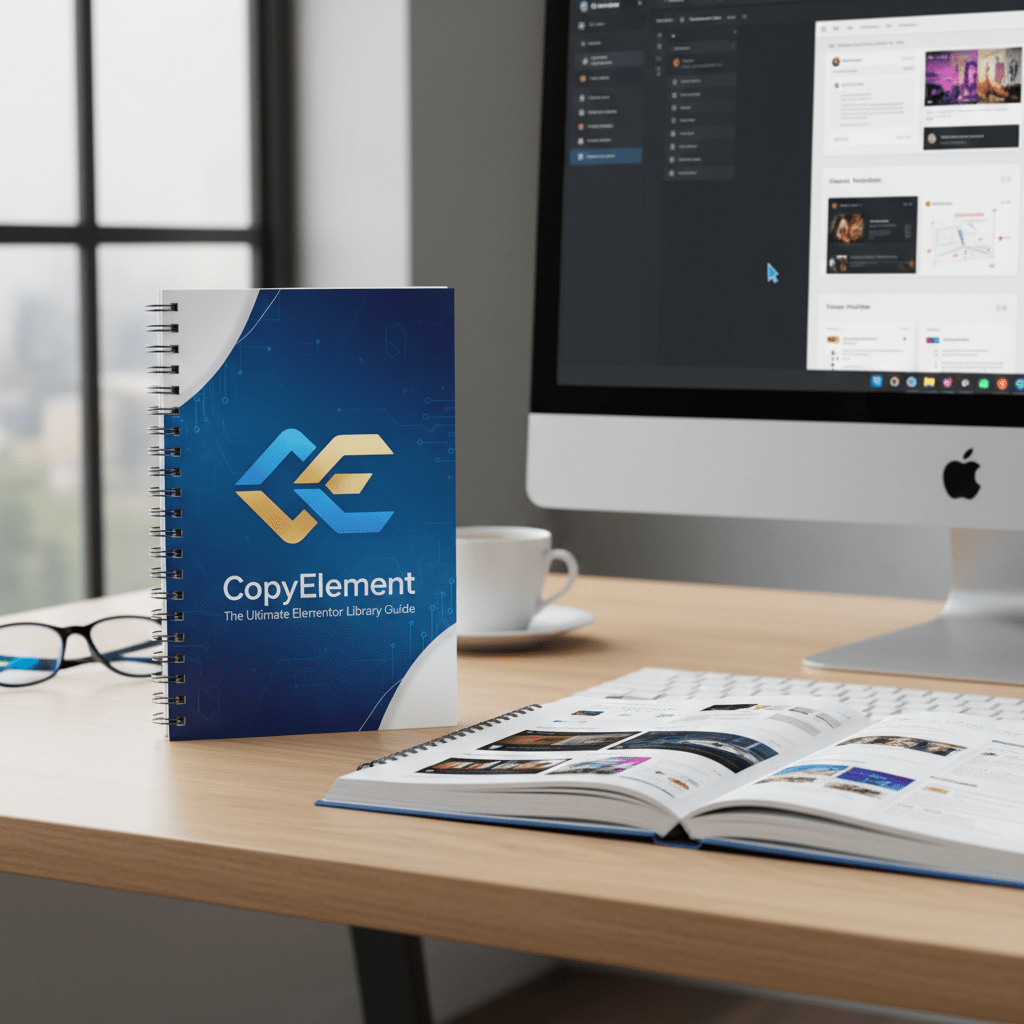
CopyElement: The Ultimate Elementor Library Guide Building a website with Elementor is already a streamlined process, but what if you could accelerate...

Building a website with Elementor is already a streamlined process, but what if you could accelerate it even further? Enter CopyElement, a game-changing resource for Elementor users. It’s more than just a library; it’s a comprehensive toolkit designed to supercharge your workflow and unlock new levels of efficiency. This guide will walk you through everything you need to know about CopyElement, from its core features to advanced techniques for leveraging its potential.
At its heart, CopyElement is a cloud-based library packed with pre-designed website sections and components specifically crafted for Elementor. What sets it apart? It’s completely plugin-free. This means you can access a vast collection of professionally designed elements without bogging down your WordPress site with extra plugins. You simply copy and paste elements directly into your Elementor pages.
Think of it as your personal design assistant, providing you with a constantly growing selection of ready-to-use content blocks. Whether you need a stunning hero section, a compelling call-to-action, or a stylish contact form, CopyElement has you covered.
The WordPress plugin ecosystem is vast and powerful, but it can also be a double-edged sword. While plugins extend the functionality of your site, they can also introduce problems such as:
By choosing a plugin-free solution like CopyElement, you avoid these potential pitfalls. You get access to a wealth of design resources without compromising your website’s performance, security, or stability. This is especially beneficial for users who prioritize speed and a clean codebase.
CopyElement is packed with features designed to streamline your Elementor workflow and enhance your design capabilities. Let’s explore some of its most important aspects:
The core of CopyElement is its ever-expanding library of professionally designed website sections and components. These include:
The library is constantly updated with new designs, ensuring you always have access to the latest trends and styles. Plus, the elements are categorized and tagged for easy browsing and filtering.
CopyElement integrates flawlessly with Elementor, making it incredibly easy to copy and paste elements directly into your pages. There’s no complicated setup or configuration required. Simply find the element you want, copy its code, and paste it into your Elementor editor.
The elements in CopyElement are designed with a focus on modern UI/UX principles. This means they’re not only visually appealing but also optimized for usability and accessibility. You can be confident that your website will provide a positive experience for all visitors.
In today’s mobile-first world, responsiveness is crucial. All CopyElement elements are fully responsive, ensuring they look great on any device, from desktops to smartphones. This saves you valuable time and effort in manually adjusting elements for different screen sizes.
While CopyElement provides pre-designed elements, it also gives you the flexibility to customize them to match your brand. You can easily change colors, fonts, images, and text to create a unique look and feel that aligns with your brand identity.
As mentioned earlier, CopyElement’s plugin-free architecture is a major advantage. It eliminates the performance and security risks associated with plugins, ensuring your website remains fast, stable, and secure.

Using CopyElement is incredibly straightforward. Here’s a step-by-step guide to get you started:
That’s it! You’ve successfully integrated a CopyElement element into your Elementor page. Repeat these steps to add more elements and build your website quickly and efficiently.
Once you’ve mastered the basics of using CopyElement, you can explore some advanced tips and techniques to further enhance your workflow:
While CopyElement provides a vast library of pre-designed elements, you can also use it to create your own custom templates. Simply combine multiple CopyElement elements and customize them to your liking. Then, save the entire section as a template in Elementor for future use. This allows you to create a library of reusable designs that you can easily deploy across multiple pages or websites.
Elementor’s global settings allow you to define site-wide styles for colors, fonts, and other design elements. By leveraging global settings in conjunction with CopyElement, you can ensure a consistent brand identity across your entire website. This is particularly useful when working on large or complex websites with multiple pages.
While Elementor provides a wide range of styling options, you may sometimes need to use custom CSS to achieve a specific look or effect. CopyElement makes it easy to add custom CSS to individual elements or entire sections. This gives you complete control over the appearance of your website and allows you to create truly unique designs.
Elementor supports dynamic content, which allows you to populate your website with data from external sources such as databases, custom fields, or APIs. By combining CopyElement with dynamic content, you can create highly personalized and interactive experiences for your visitors. For example, you could use CopyElement to design a product listing section and then populate it with data from your e-commerce platform.
While CopyElement provides visually appealing designs, it’s important to optimize them for search engines. Use relevant keywords in your headings, text, and image alt tags. Ensure your website is mobile-friendly and loads quickly. By following SEO best practices, you can improve your website’s visibility in search results and attract more organic traffic.
There are many Elementor libraries available, but CopyElement stands out for several reasons:
While other libraries may offer similar features, CopyElement’s plugin-free architecture and focus on modern designs make it a compelling choice for Elementor users who prioritize performance, security, and ease of use.
CopyElement is a valuable resource for a wide range of Elementor users, including:
Yes, CopyElement is compatible with all Elementor themes. As long as you’re using Elementor, you can use CopyElement’s elements.
No, you don’t need to be a coding expert to use CopyElement. The elements are pre-designed and ready to use. You simply copy and paste the code into your Elementor editor.
Yes, you can customize the elements in CopyElement to match your brand. You can change colors, fonts, images, and text using Elementor’s styling options.
The CopyElement library is constantly updated with new designs. You can expect to see new elements added regularly.
Check the CopyElement website for details on free trials or demo versions. This will allow you to test out the library before committing to a subscription.
CopyElement is a powerful tool that can transform your Elementor workflow. Its vast library of pre-designed sections and components, plugin-free architecture, and seamless integration with Elementor make it a must-have resource for anyone who wants to build better websites faster. By leveraging the tips and techniques outlined in this guide, you can unlock the full potential of CopyElement and create stunning, high-performing websites that impress your clients and customers. Don’t hesitate to check out the CopyElement for Elementor and discover how it can revolutionize your web design process. Consider how CopyElement: Builds Elementor Sites Faster.
Start using CopyElement today and experience the difference!

Comments are closed.






Hi